Same warehouse, three different doors
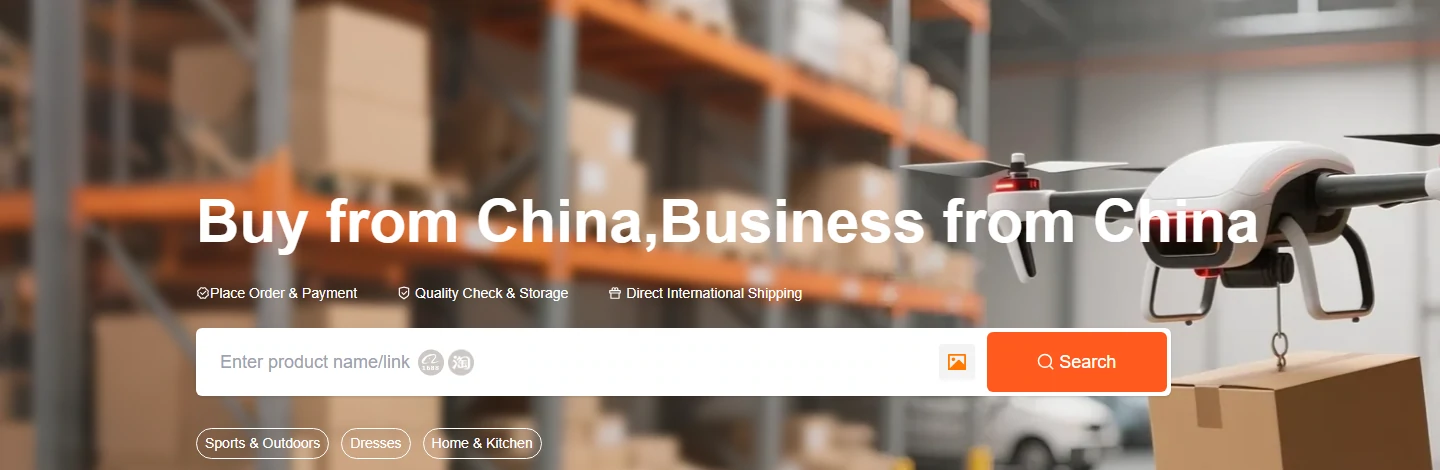
HubbuyCN presents itself as one service, but its own main menu gives away that it is three. There is the search box on the home page, there is Fill and Buy, and there is Forwarding. They are not alternatives in the sense of being interchangeable. Each one starts from a different situation, and using the wrong one costs you either money or a fortnight.
The question that sorts them is blunt: what do you have in your hands right now. An idea, a link, or the item itself. Answer that and the route picks itself.
Which door is yours
Choose what you already have, how many sellers are involved and your main priority. This guide suggests an entry route; confirm account requirements and current service terms on the official site.
Route one
Search inside the site, when you have no link
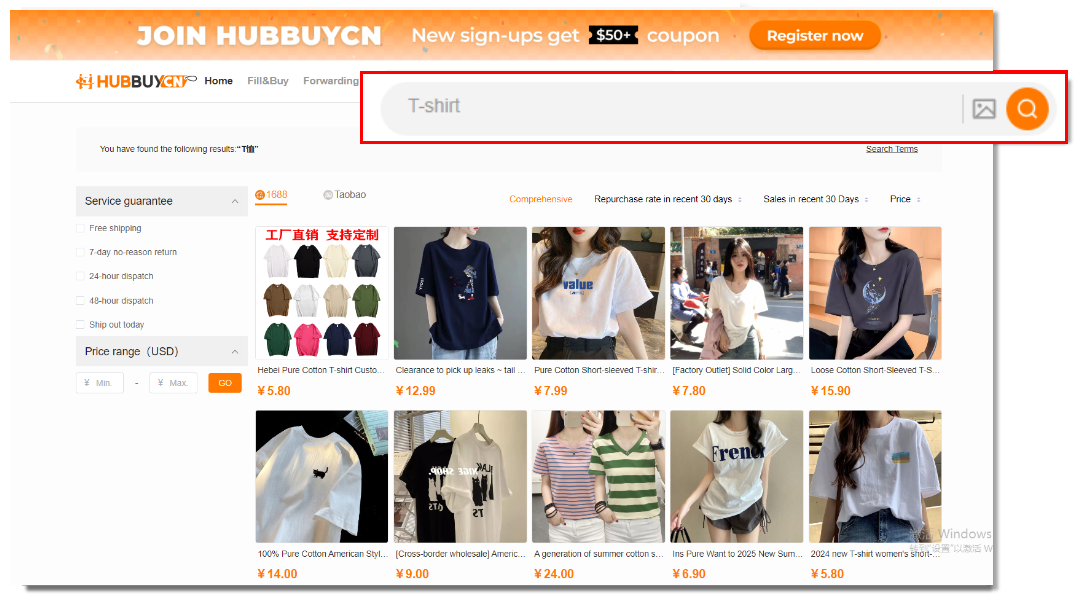
The home page search box is the front door. It takes a product name in plain English as well as a pasted address, and the results page is where the useful controls are: a switch between the 1688 and the Taobao sides of the catalogue, filters for the service guarantees a seller offers, and a price band you set in USD.
Use it when you know what you want but not where it lives. Its weakness is the same as any marketplace search: the same item comes back from many sellers at many prices, and nothing on that page tells you which one is worth trusting. Compare two or three listings of the same thing before you add anything to a cart.
Route two
Paste the link, or fill the details in by hand

This is the route most people actually use, because a listings page hands you a link and nothing else. Copy the address, paste it into the search box, and HubbuyCN rebuilds the seller listing inside its own pages with the colours and sizes that seller published. From there it is an ordinary checkout.
When a link will not resolve, and some do not, the Fill and Buy page takes the same information typed in by hand: what the item is, which variant, how many, and what the seller is charging. It is slower and it is the fallback that keeps an awkward listing orderable.
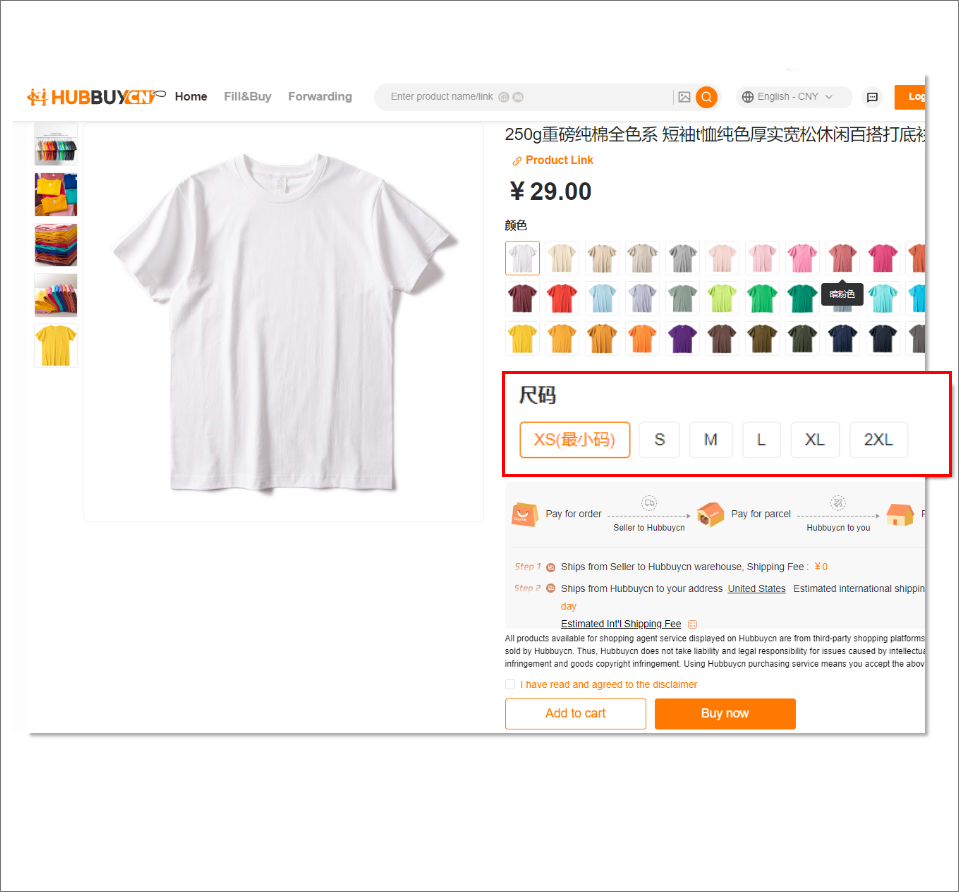
What the rebuilt listing looks like
Worth looking at closely, because this screen is where two different mistakes get made. The variant selectors carry the seller options, not your preferences, so the colour and size shown are whatever came first. And the two payment lines are visible right there on the page: pay for order now, pay for parcel later.
Route three
Forwarding, when you already bought it
Forwarding is for the case the other two cannot handle: the item is already yours. Maybe a seller only accepts domestic payment from a Chinese account you borrowed, maybe a friend bought it, maybe you used a different agent for the purchase. The goods exist and someone has paid for them.
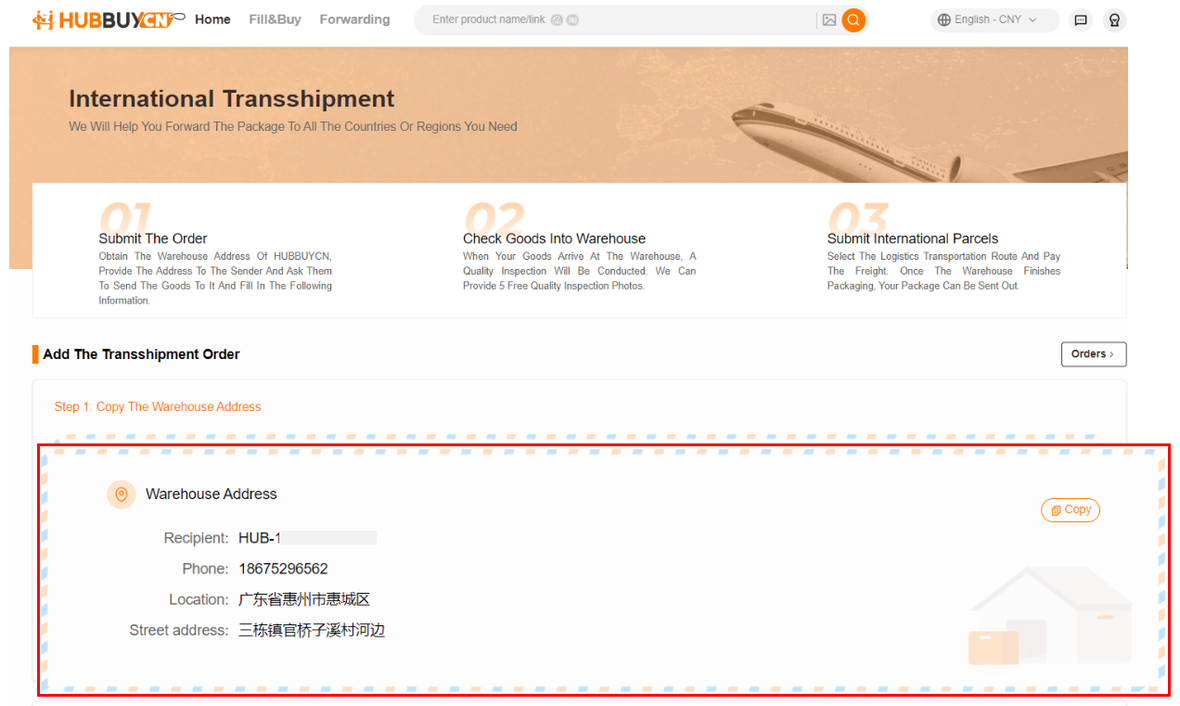
The official forwarding page gives you the warehouse address in Huizhou, Guangdong, and a form for the courier, the tracking number, the product link, the name, the unit price in CNY and the quantity. HubbuyCN receives the parcel, checks it and ships it on. The page states that five quality check photos are included.
Forwarding without losing the parcel
The failure mode on this route is specific and expensive: a box turns up at the warehouse with nothing to match it to. Submit the details on the same day you post it.
Copy the warehouse address exactly
Including the recipient line and any code the page tells you to add. The address is on the official forwarding page and it is the only address you should use.
Post the parcel and keep the tracking number
Domestic Chinese couriers move fast, which means the box can arrive before your paperwork does if you leave it.
Submit the form the same day
Courier, tracking number, product link, item name, unit price in CNY, quantity, and a photo. This is what lets the warehouse match the box to you.
Watch for the check in
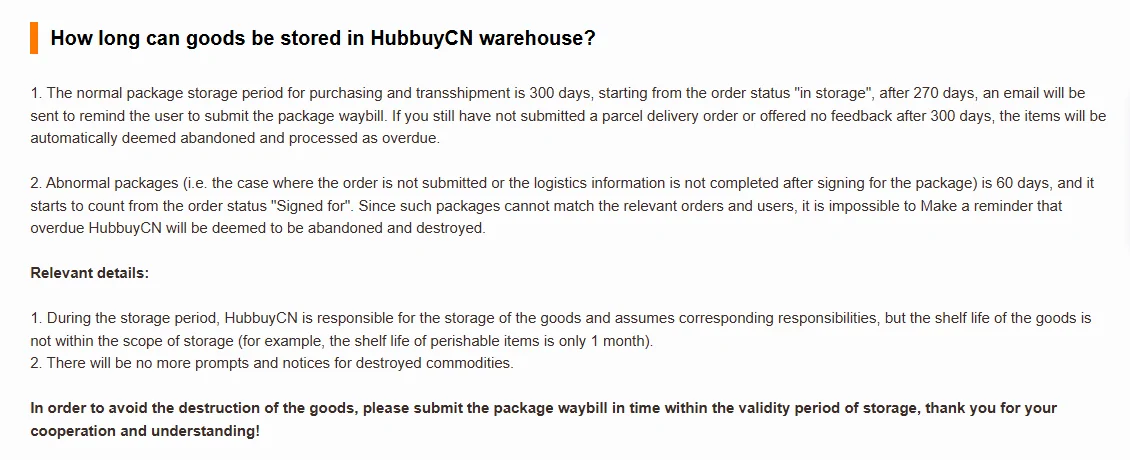
Once matched, it enters the same storage window as anything else. Unmatched boxes run on a much shorter clock, counted from the day they were signed for.
What you gain and give up on each route
Nothing here is a ranking. Route three is not worse than route one, it just answers a different question.
Buying through HubbuyCN gets you
- One place holding the money until the seller has actually delivered
- A free appearance check with photos before the item leaves China
- Storage while you gather the rest of the order
- Consolidation into a single international parcel
Forwarding gets you
- A way in for goods you already own
- The same inspection, storage and consolidation once it is matched
- No help at all with the purchase itself, including disputes with that seller
- A shorter clock if the paperwork does not arrive
One thing all three routes share
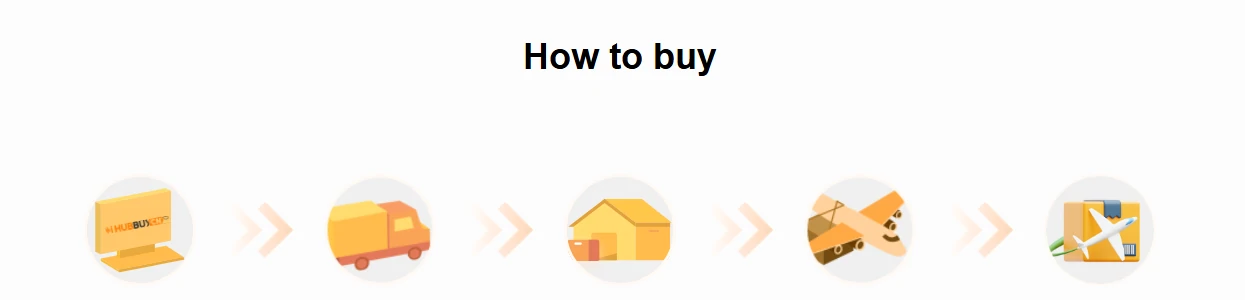
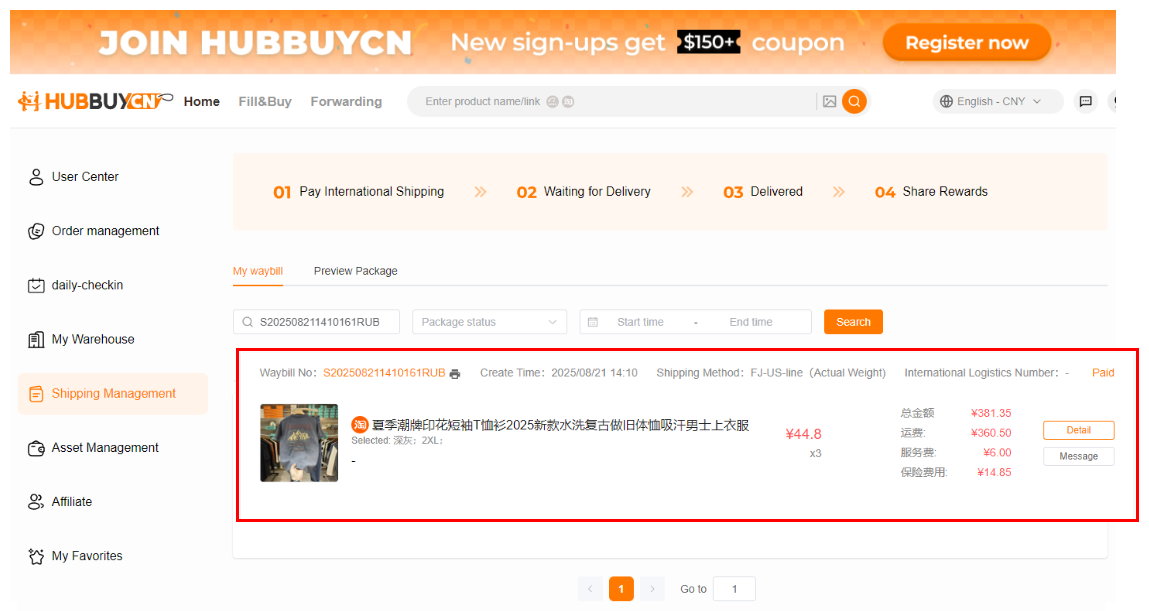
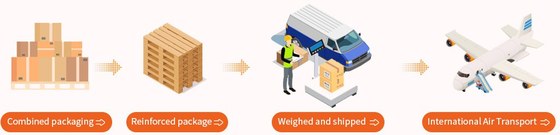
Whichever door you use, the item ends up in the same building and on the same road out of it. Inspection, storage, consolidation, waybill, flight, customs. If you are comparing HubbuyCN with another agent, that road is what you should be comparing, not the door.
Using this page
How to use the search on this page, and the picker above it
Two different boxes, and they do not talk to each other. The picker on this page reads three answers and names a door. It knows nothing about your account, places no order, and has no opinion about the item. All it resolves is the question people get wrong most often, which is whether they need something bought or merely moved.
The box in this site's header is a catalogue lookup. Type a thing, get listings, carry the link onward. That is its whole job. It is not the box on HubbuyCN's own homepage, and the two return different results because they are searching different places.
Before either one is useful, write the variant down somewhere: the colour word, the size, and the body measurement that size is supposed to match. Both boxes stop short of that, every route asks for it eventually, and it is the single detail nobody downstream can reconstruct for you.